Tips for Using a VR Headset
Clear a safe play area free of furniture, pets, and obstacles, ideally at least ~2 × 1.5 m (4 feet) for room-scale movement.
Guappa
1 min read
Please review the Code of Conduct before joining Bigscreen BETA!
This is a little hobby project of mine. Site is purely "vibe coded" using Claude Code.
Tips for Using a VR Headset
Clear a safe play area free of furniture, pets, and obstacles, ideally at least ~2 × 1.5 m (4 feet) for room-scale movement.
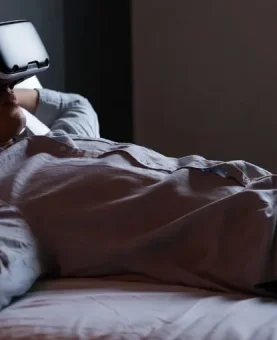
Lay down and relax
Meta Quest headsets (Quest 2, 3, and Pro) allow users to comfortably watch media or play low-intensity games while laying down by activating a dedicated “Lying Down Mode.” Found under Settings > Experimental > “Use Apps While Lying Down,” this feature enables re-centering the view directly above the user (e.g., on the…
Remote Desktop to your PC from your Meta Quest
Virtual Desktop is a premium application that enables wireless streaming of your Windows PC desktop and PCVR games to a Meta Quest headset (Quest 2, 3, 3S, or Pro). It provides low-latency access to your PC environment in VR, including web browsing, productivity, media playback, and launching SteamVR or Oculus PC games…
 Guappa