Comfort, Safety & Etiquette
Tips for Using a VR Headset
VR is safe for the overwhelming majority of people who try it, but it puts a screen an inch from your eyes, seals off your view of the room, and occasionally convinces your inner ear you’re moving when you’re not. Worth taking seriously.
Also worth being straight about: none of this is law. There’s no government body that regulates how you personally use a VR headset the way there is for, say, a car seat. What exists is manufacturer guidance, age ratings on content, and a fair amount of ergonomics research, and that’s what this guide is built from, mostly Meta’s own health and safety documentation since most Bigscreen users are on a Quest, with notes on where PC headsets differ.
How much space do you actually need
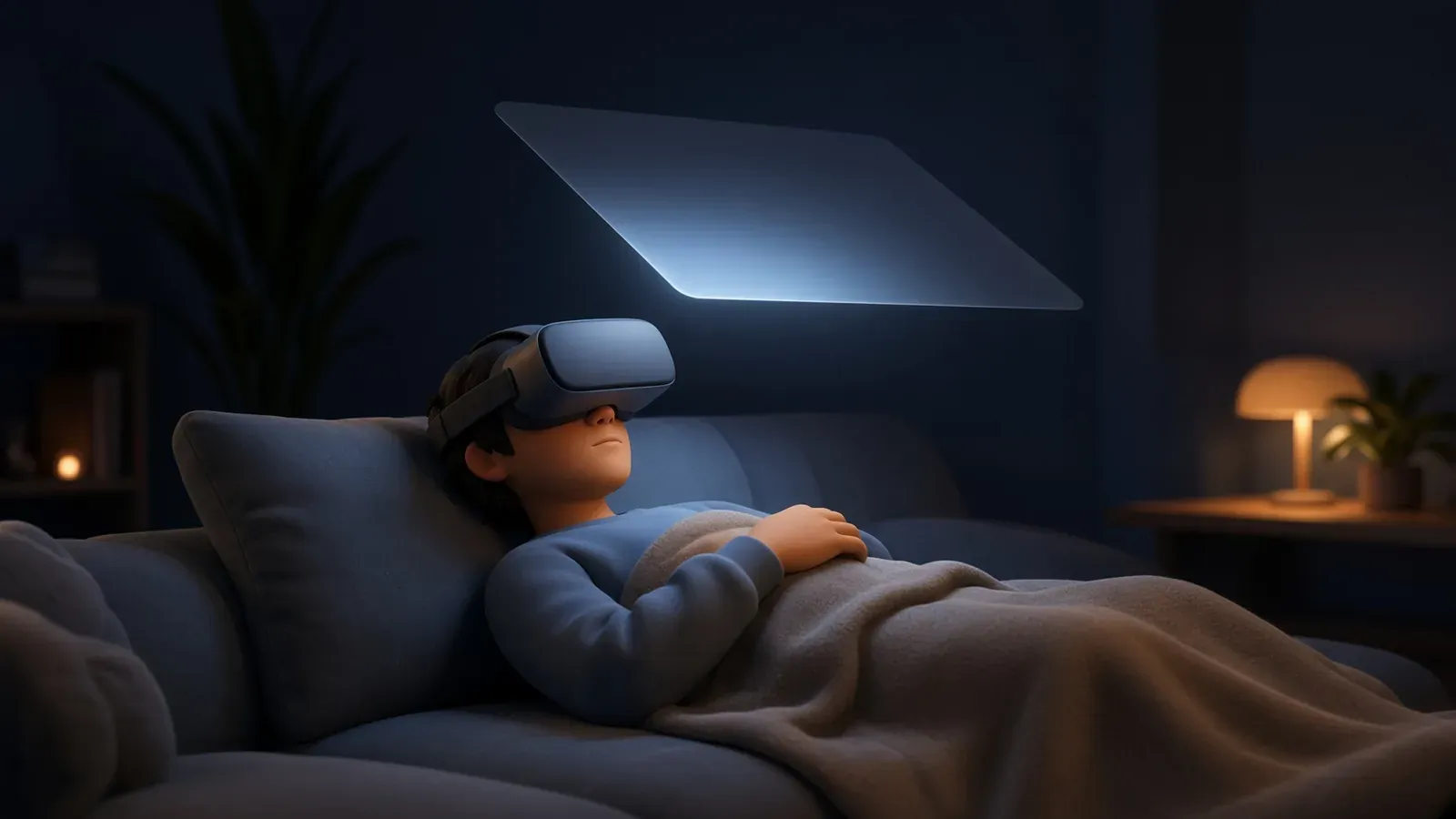
Bigscreen is mostly a seated app, and that matters here. Meta’s headsets create a Stationary boundary of 1 × 1 m around you automatically, which is all the room a couch or a desk chair session needs.
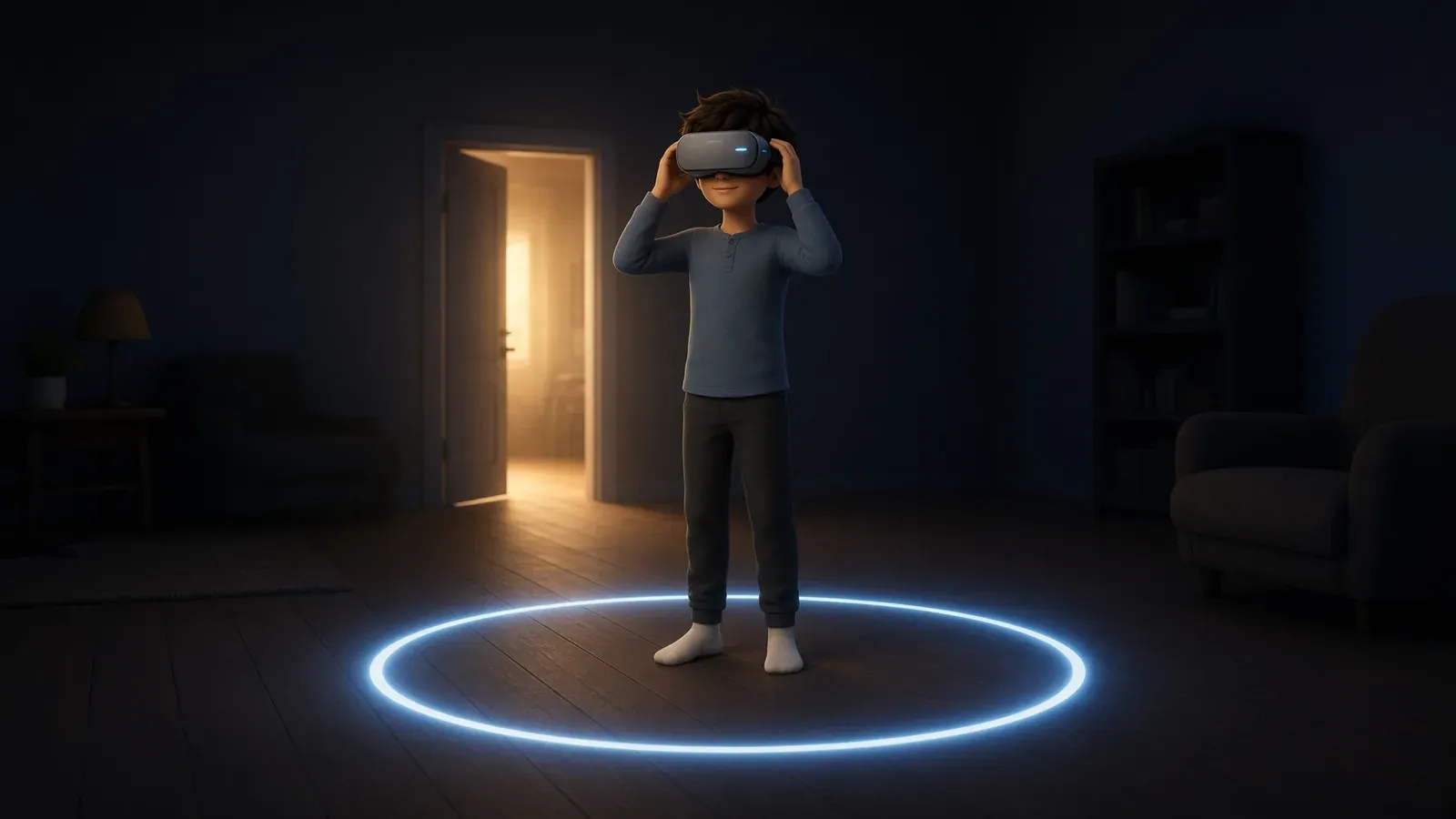
If you’re doing something that involves standing or moving, roomscale on Quest wants at least 2 × 2 m (6.5 × 6.5 ft) of clear floor. PC headsets on SteamVR (Valve Index, HTC Vive) list a smaller minimum for roomscale, 2 × 1.5 m (6.5 × 5 ft), with 2 × 2 m recommended once you actually want to move around comfortably.
A few things worth doing either way:
- Leave extra margin outside your virtual boundary line, roughly 30 to 60 cm depending on the app. Your arms (and a swung controller) reach past wherever you drew the line.
- Check overhead clearance, especially ceiling fans and light fixtures.
- Clear cables, rugs, low furniture, and pets from the floor before you start, not after.
- Passthrough (the camera view of your real room some headsets offer) is handy for checking your surroundings, but it’s not a substitute for setting up the boundary system properly.
Fit, IPD and firmware
A loose or crooked headset does two things: it lets the image slide out of focus, and it puts pressure on one spot on your face instead of spreading the load. Take the time to get the straps even and snug rather than just tight.
IPD is the distance between your pupils, and lining it up with the headset’s lens spacing is what makes the image sharp instead of blurry. Quest headsets are built for an IPD of roughly 56 to 70 mm, which covers about 95% of adults. Quest 3 adjusts this with a continuous wheel; Quest 3S uses three fixed presets (58 mm, 63 mm, 68 mm). If you don’t know your IPD, an optometrist can measure it exactly, or you can estimate it yourself with a mirror and a millimetre ruler.
Keep headset and controller firmware up to date. Old firmware is a common, boring cause of tracking glitches that get blamed on the room instead.
Motion sickness: why it happens and what actually helps
The leading explanation for VR sickness is sensory conflict: your eyes report movement, your inner ear reports that you’re sitting still, and the mismatch between the two is what makes people queasy. It’s the same mechanism behind car and boat sickness, just triggered visually instead of physically.
What helps:
- Comfort settings. Teleport movement instead of smooth walking, snap turning instead of smooth turning, and a vignette that darkens your peripheral vision during motion all cut down the amount of visual movement your eyes report with nothing to back it up.
- Airflow. Pointing a small fan at your face is an old VR forum trick that turns out to have real research behind it: the airflow gives your brain an additional physical cue that lines up with what you’re seeing, and studies on this have found it measurably reduces sickness for a lot of people.
- Start short. Meta’s own guidance is to begin a new headset or new content with roughly a 30-minute session and a 15-minute break, then build up gradually as you get used to it.
- Listen to your body. Cold sweat, nausea, or disorientation means stop. Pushing through doesn’t build tolerance the way people assume it does.
Since Bigscreen is mostly a seated, screen-in-front-of-you experience, sickness is rare there. It’s much more of a factor in roomscale games with artificial locomotion.
Eyes: blinking, breaks and the 20-20-20 rule
The American Academy of Ophthalmology’s position is direct: there’s no evidence VR headsets damage eye development, health, or function. The real short-term issue is blinking. People blink less while focused on a VR display, which dries out the front of the eye and leaves it feeling tired and gritty by the end of a session.
You’ve probably heard the 20-20-20 rule: every 20 minutes, look at something 20 feet away for 20 seconds. It’s worth knowing where that came from and how solid it is. An optometrist coined it in the late 1990s as a rough, memorable guideline for screen use in general, not for VR specifically, and it was never meant to be a precisely tested number. Later research suggests 20 seconds is probably too short to actually reset eye fatigue, closer to a minute or two does more.
For a concrete number, Meta’s own guidance is the one to follow: start around 30 minutes with a 15-minute break, and extend from there. If you have a binocular vision condition like amblyopia or strabismus, expect to fatigue faster than that and adjust accordingly.
Volume and hearing
The World Health Organization’s safe listening guidance is to keep volume at 60% of maximum or below. As a rough scale: sound around 80 dB is fine for up to about 40 hours a week, but that safe window shrinks fast as volume climbs, down to roughly 20 minutes a week at 100 dB. Headphones sitting right against your ear reach damaging levels faster than most people expect.
Meta’s own health guidance specifically calls out that younger children are more susceptible to hearing damage from high headset volume than adults are, which is worth keeping in mind if a kid is using a shared headset.
Age, kids and photosensitivity
Meta accounts require a minimum age of 10, though the exact requirement varies by country. Accounts for ages 10 to 12 are parent-managed with extra controls; 13 to 17 gets a private profile plus parental supervision tools. Sony sets PSVR2’s minimum at 12.
The reasoning Meta gives for the age floor isn’t about screens being generically bad for kids: children’s eyes, necks, backs and muscles are still developing, younger kids can have a harder time telling virtual content apart from reality, and they may not reliably notice or report discomfort the way an adult would. All of that argues for closer supervision and shorter, more frequent breaks with younger users, not just a hard age cutoff.
Separately, and for everyone regardless of age: flashing lights and repetitive patterns can trigger seizures in a small number of people, roughly 1 in 4,000, even in people with no history of epilepsy or seizures. It’s more common in children and young people. If you experience severe dizziness, seizures, eye or muscle twitching, or lose consciousness while using a headset, stop immediately and see a doctor.
Keeping it clean
For everyday upkeep, wipe the facial interface and straps down with a microfiber cloth. For a proper clean, remove the padding and hand wash it in cool water with a mild detergent, rinse thoroughly, and let it air dry fully before putting it back on. Skip alcohol and chemical cleaners, they degrade the foam and silicone over time.
Lenses are a different material and need different treatment: a dry microfiber cloth only. Wet wipes or any liquid can damage the coating.
If you share a headset with other people, a silicone facial interface or cover is worth the upgrade over stock foam. It wipes clean instead of soaking up sweat, and you can disinfect it between users.
Lenses, sun and heat
Direct sunlight is the fastest way to wreck a headset. The same lenses that focus light into your eyes will focus sunlight onto the display behind them, and Meta warns that under a minute of direct sun exposure, even indoors near a window, can permanently burn or discolor the screen. Don’t use a headset outdoors in direct sun, don’t leave one on a windowsill or car dashboard, and use a case or cover when transporting one.
Operating temperature is roughly 0 to 35°C (32 to 95°F). Hotter environments than that, a parked car in summer being the obvious one, can damage the device and its battery.
Cables and controllers
If you’re on a Link cable or a wired PC headset, route the cable so it isn’t underfoot. That’s the realistic tripping hazard in an otherwise stationary session, more so than the room itself. Valve’s own Index setup guide flags entanglement as a real setup risk right alongside tripping and collisions, not an afterthought.
Use the wrist strap on your controllers. It’s not just there to stop theft, it’s there to stop a controller flying out of your hand into a screen or a person when a motion is bigger than you expected.
Repetitive controller use produces the same kind of overuse injuries hand surgeons see from any repetitive-motion activity, including a thumb and wrist tendon irritation nicknamed “gamer’s thumb.” A short break every hour and a grip that doesn’t require constant clenching go a long way toward avoiding it.
When to skip the session
Meta’s health and safety guidance is blunt about this one: don’t use a headset while impaired. That covers alcohol or drugs, being hungover, significant fatigue, and emotional stress, all of which slow your reaction time and balance right when VR is already asking more of both.
If you’re pregnant, talk to your physician before use, per the same guidance.
Stop for the day if you notice a headache, eye or muscle twitching, blurred or double vision, dizziness, disorientation, or pain in your head, eyes, shoulders, neck, back or chest. That’s the actual symptom list Meta tells users to watch for, and it’s worth taking at face value rather than pushing through it.
Sharing the space with other people
Social VR puts you physically close to strangers in a way flat-screen multiplayer doesn’t. Give people the same berth you’d give them in a real room, don’t crowd someone to make a point, and be mindful that your voice comes through clearly even when you don’t mean it to carry.
If someone’s behavior crosses a line, Bigscreen has tools for that (block, report, and a Code of Conduct that’s actually enforced) rather than something you have to just tolerate.